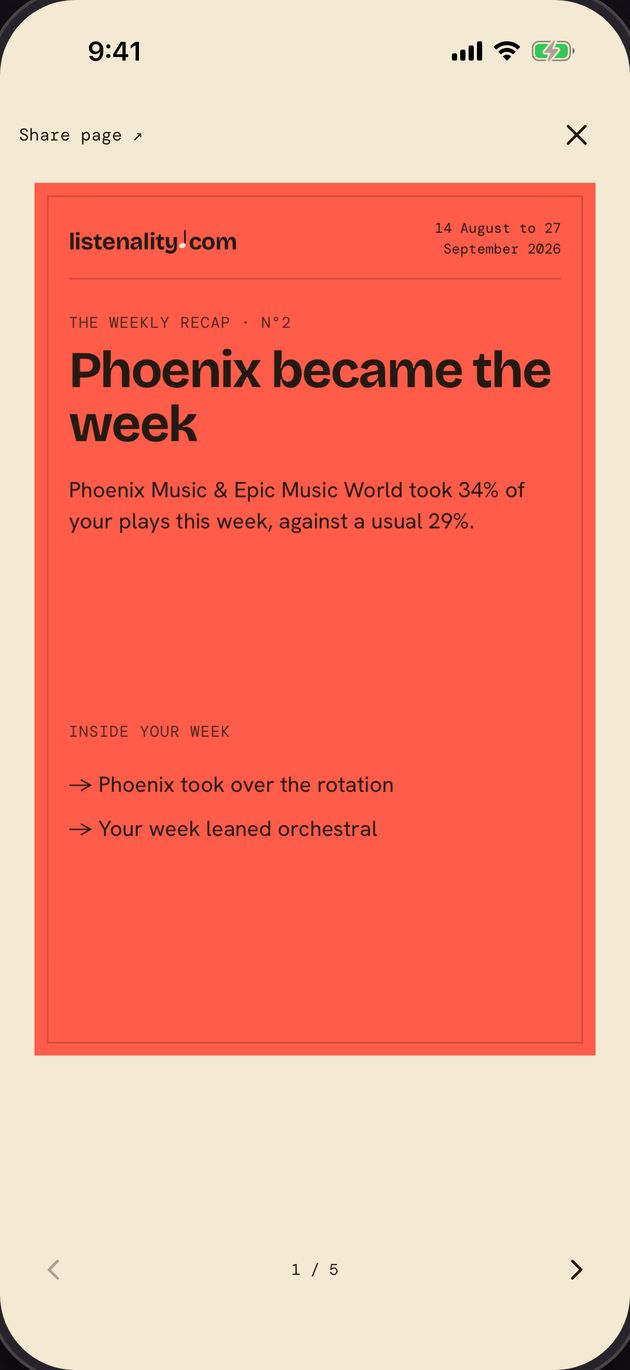
Every Friday
Weekly recap
Your week counted and read back: top songs, what came back, your biggest day.
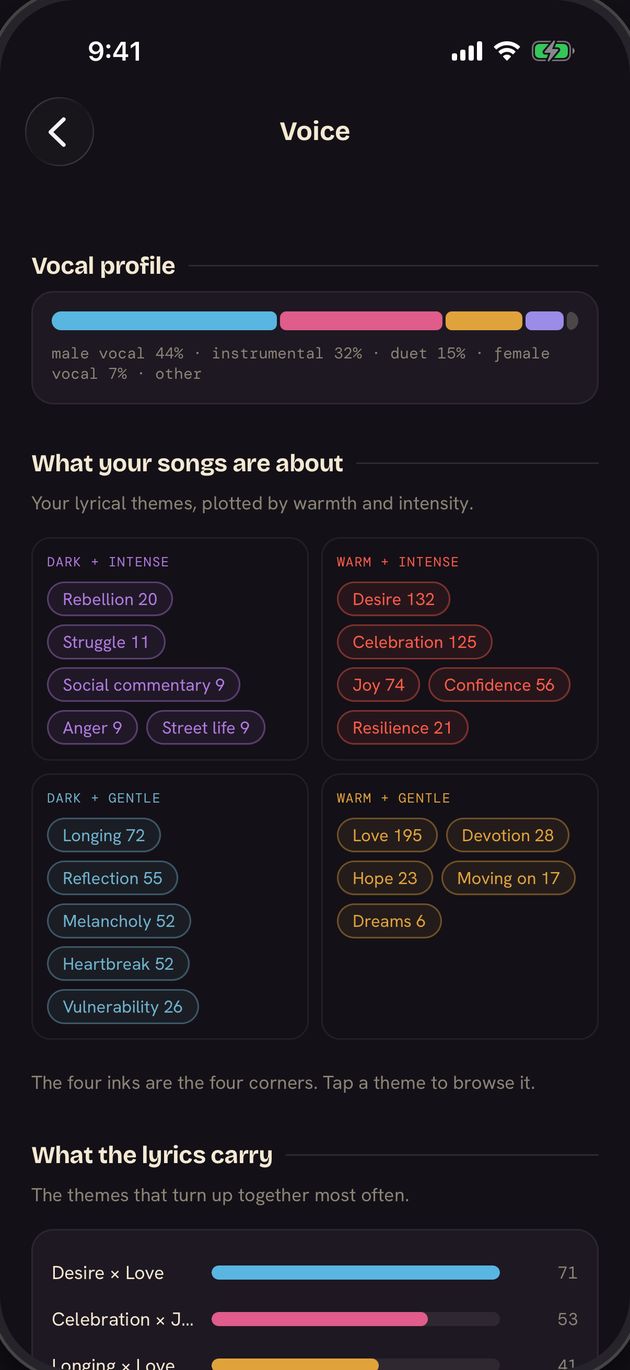
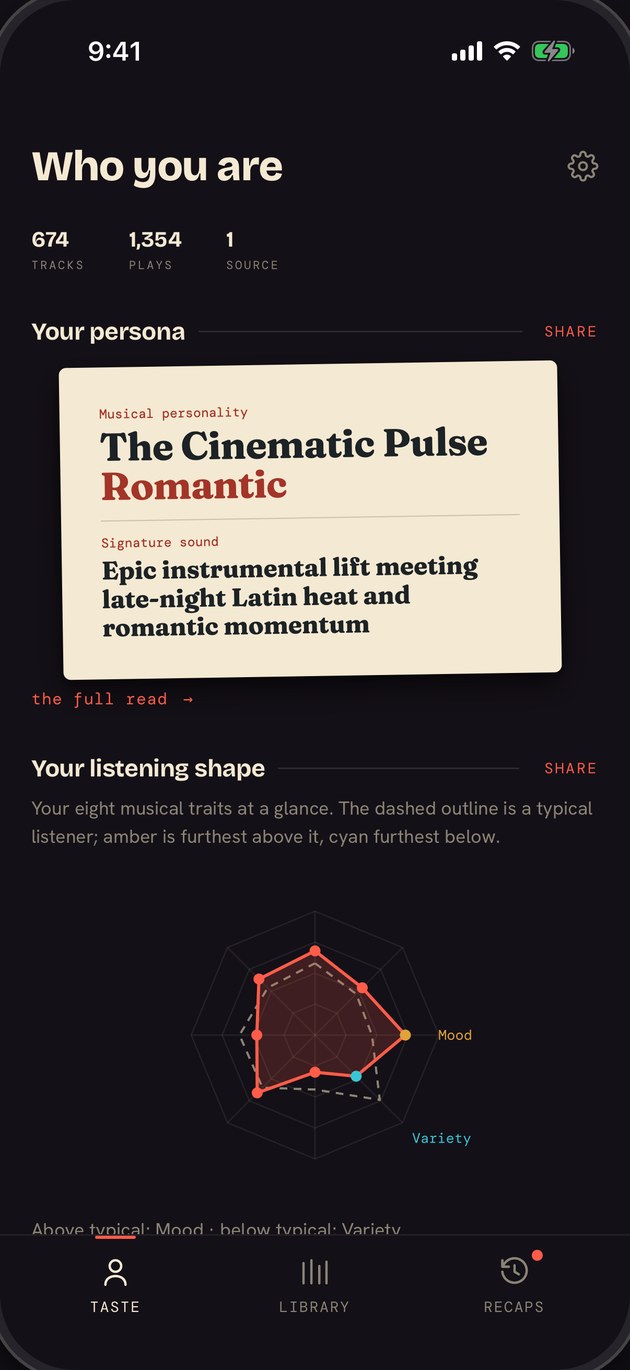
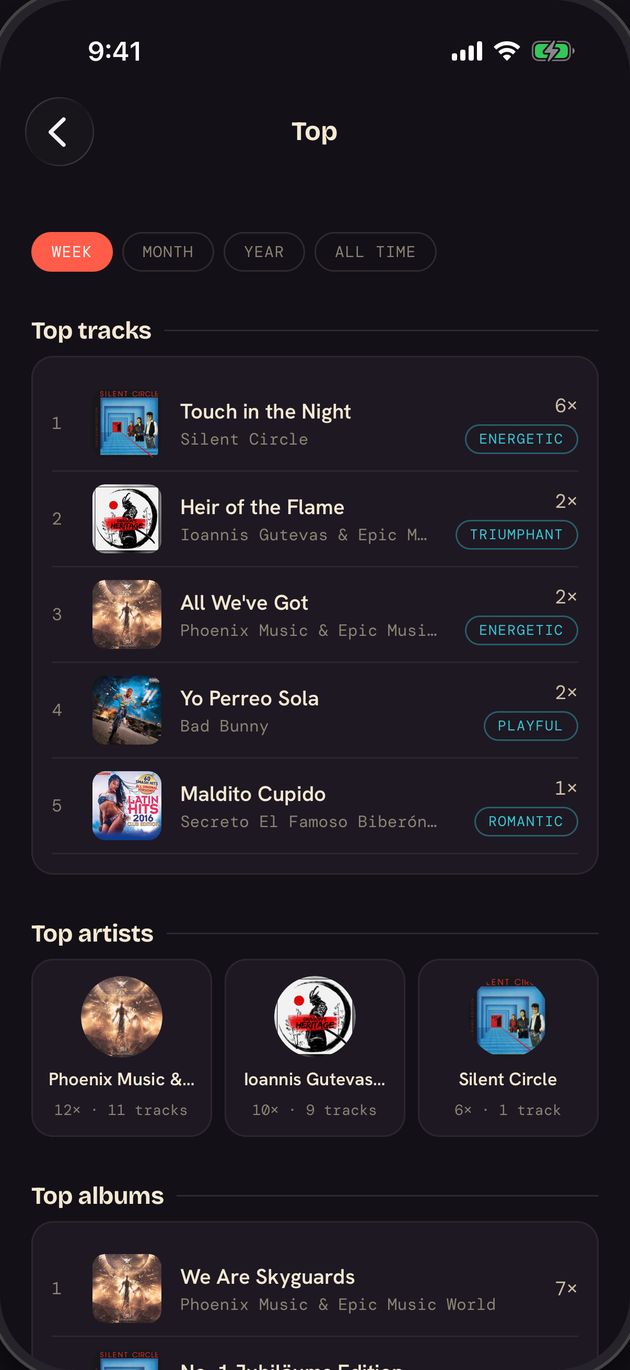
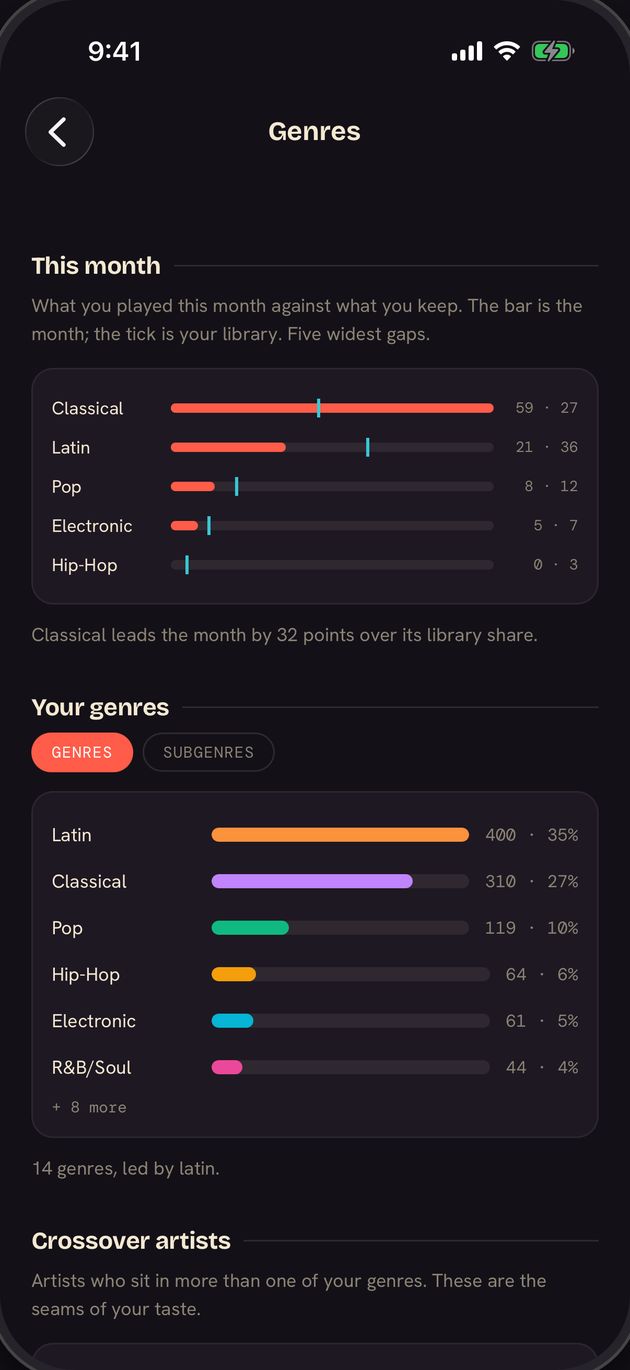
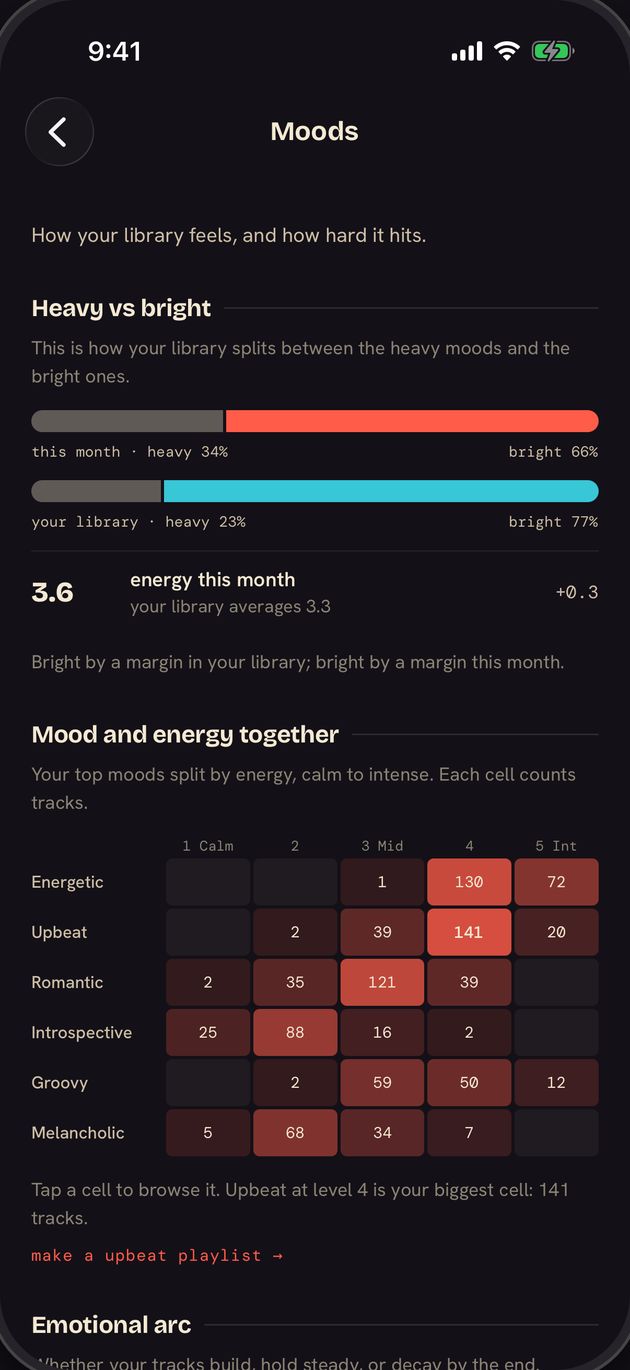
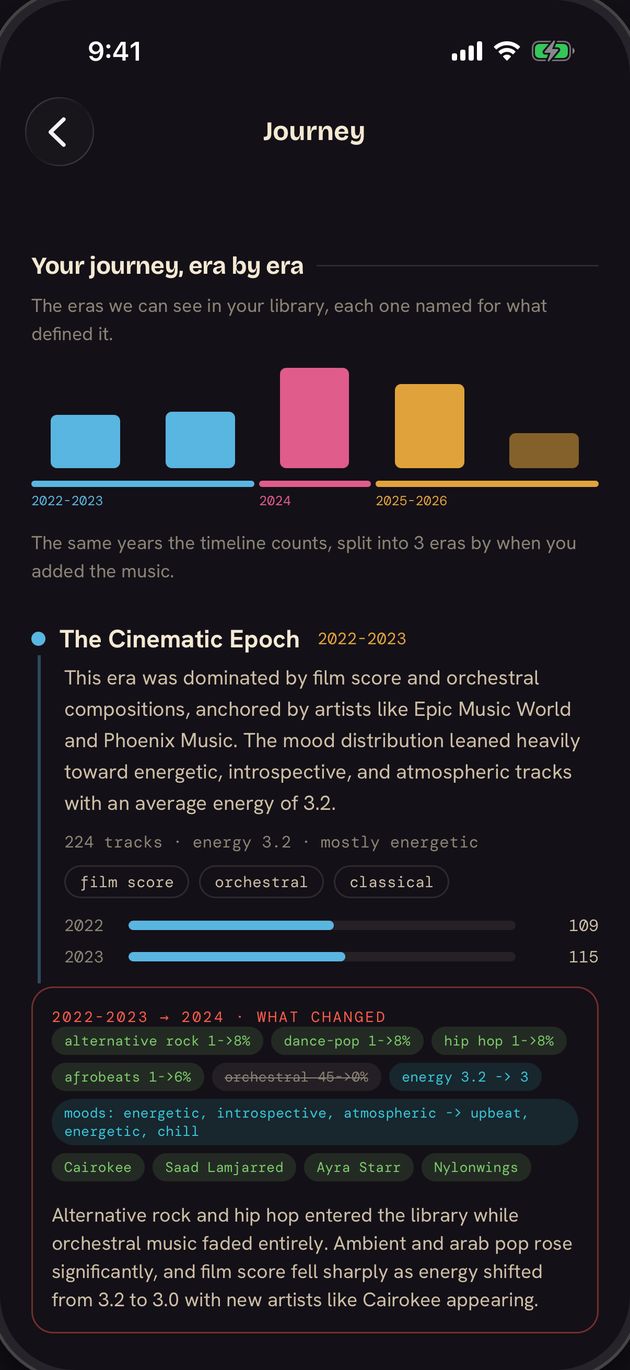
Explore your top artists, genres, moods, eras and musical personality, with the songs that explain every insight.
Free for three weeks, everything open except the year-end recap. No card needed.
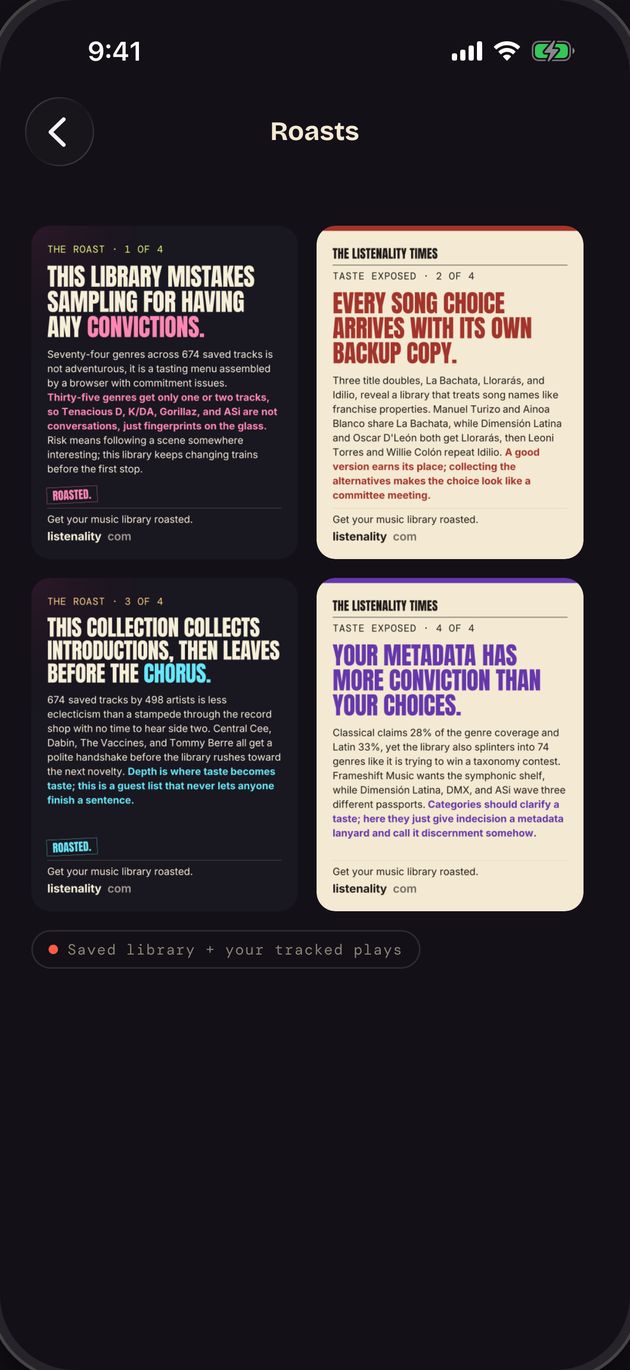
Listenality reads your Apple Music library, or your liked songs and YouTube Music playlists, for your personality, top artists, genres, moods, eras and a roast if you can take it.
Also on Apple Music: the Songs Analyzer names what five songs share, and the Playlist Builder makes a playlist from one sentence.
Import your past plays to explore how your listening has changed, including songs you never saved.
When you connectminutes
When you import your fileany time
Apple Music: request it at privacy.apple.com. YouTube Music: Google Takeout. How to get your Apple file · How to get your Takeout
Apple Music recaps arrive automatically. On iPhone, YouTube Music monthly and year-end recaps use your Takeout history.
Every Friday
Your week counted and read back: top songs, what came back, your biggest day.
On the 1st · or after Takeout
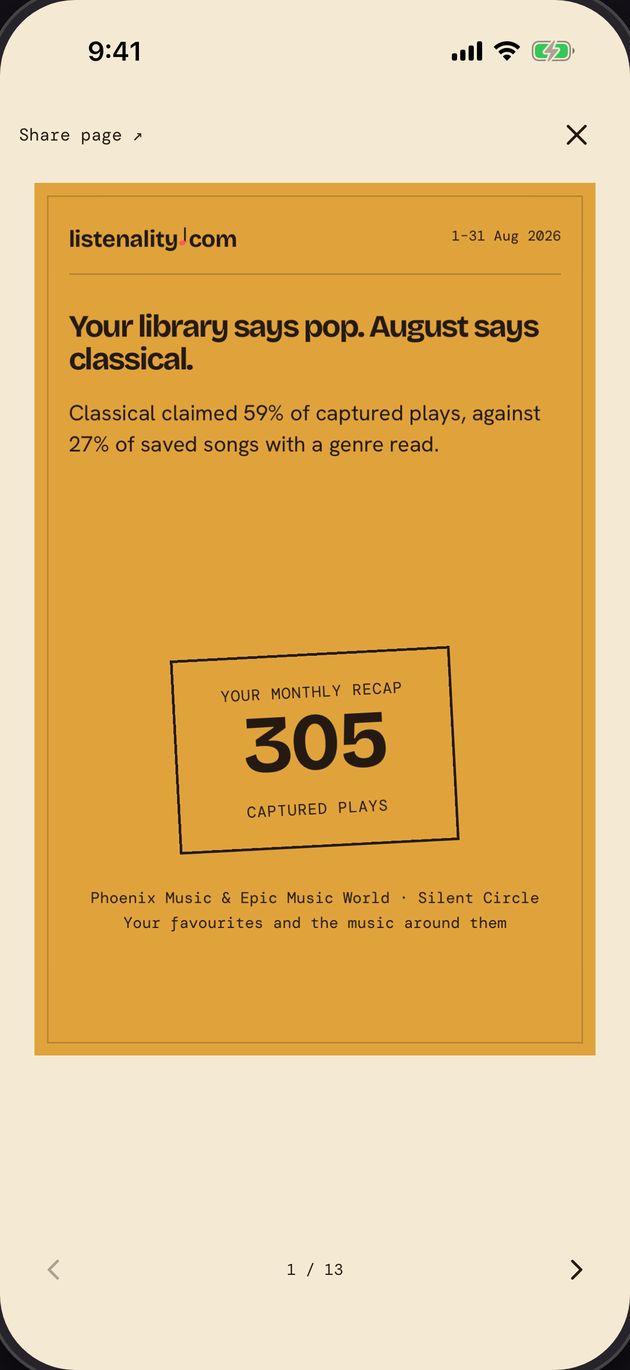
What your month came to, ranked against the month before.
December · or with Takeout
Your whole year, read.With Plus
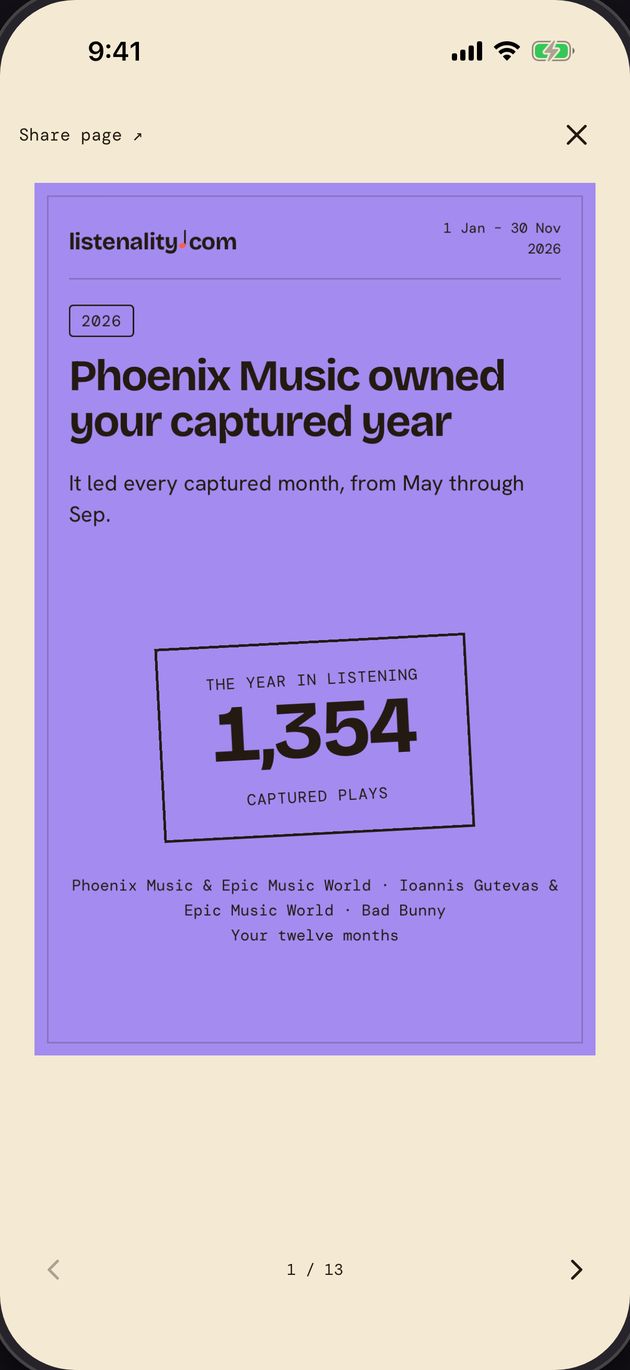
Every read makes a card from your own numbers, sized for stories and group chats.


Listenality works with both services. Play tracking and recap timing depend on your phone and music service.
| Feature | iPhoneApple Music | iPhoneYouTube Music | AndroidYouTube MusicComing soon |
|---|---|---|---|
| The moment you connect | |||
| Saved music and available add history | Yes | Yes | Yes |
| Personality, top artists, genres, moods, eras | Yes | Yes | Yes |
| Cards, roast and taste match | Yes | Yes | Yes |
| Your plays | |||
| Plays after you install | Yes | Not on iPhonea fresh Takeout each month fills the gap | YesTracked by your phone |
| Plays from before you installed | ImportApple privacy export | ImportGoogle Takeout | ImportGoogle Takeout |
| Recaps | |||
| Weekly recap | YesFridays | No | YesFridays |
| Monthly recap | YesOn the 1st | YesOnly with Takeout | YesOn the 1st |
| Year-end recap | YesDecember | YesWith Takeout | YesDecember |
Read-only everywhere: Listenality never edits or deletes anything in your library.
No card, nothing bills on its own. The year-end recap comes with Plus. After your free weeks:
billed yearly at $34.99, or $4.99 month to month
When the free weeks end, your taste profile, roast and cards stay open, frozen at that day. Billed by Apple, cancel any time.
Listenality is an iPhone app for Apple Music and YouTube Music stats. Explore your top artists, genres, moods, eras and musical personality, with the songs behind each insight. Discover how your taste changes, revisit past listening with an import, and share your profile and recaps.
Apple Music Replay shows your top songs and artists. Connect Apple Music to Listenality for a library-based taste profile in minutes, with genres, moods, eras and the songs behind every claim. Listenality tracks new plays for weekly recaps on Fridays and monthly recaps on the 1st. Import your Apple privacy export to add the dated plays in that file and help sharpen your add dates.
Connect YouTube Music to Listenality on iPhone to explore your liked songs and playlist tracks through top artists, genres, moods, eras and a musical personality. Import your listening history from Google Takeout for past-play stats, monthly recaps and a year-end recap. For a new monthly recap, import a fresh Takeout file; automatic play tracking is not available on iPhone.
Listenality for Android is coming soon. When it launches, connect YouTube Music to explore your liked songs and playlist tracks through top artists, genres, moods, eras and a musical personality. Your phone will track new plays for weekly recaps on Fridays, monthly recaps on the 1st and a year-end recap in December. Import Google Takeout to add listening history from before you installed the app.
Listenality is free for three weeks with everything open except the year-end recap. No payment method is needed, and nothing bills on its own. After that, Listenality Plus is $4.99 a month or $34.99 a year. If you do not subscribe, your taste profile, roast, cards and friend comparisons stay open, frozen at your last free day. For YouTube Music, that lasts as long as YouTube's data rules allow.
Connecting Apple Music or YouTube Music brings in your saved music and available add dates, so you can explore your library history right away. Some Apple Music add dates may be missing; YouTube Music supplies liked songs and playlist tracks. To add plays from before you installed Listenality, including songs you never saved, export your data from Apple at privacy.apple.com or from Google Takeout, then import the file into Listenality. It reads the dated plays in that export, which can reach back years.
No. Listenality reads your library and never edits or deletes anything in it. The Playlist Builder adds a new playlist to Apple Music only when you ask it to.
Apple Music Replay and YouTube Music Recap show listening highlights. Listenality adds a taste profile with the songs behind its claims, shareable cards and stats from imported history. Apple Music gets weekly recaps on Fridays and monthly recaps on the 1st. YouTube Music on iPhone gets monthly recaps from fresh Takeout imports.